How to Access Free PGH Radio Streams on Any Device: Your Complete Guide to Pittsburgh’s Best Radio Content
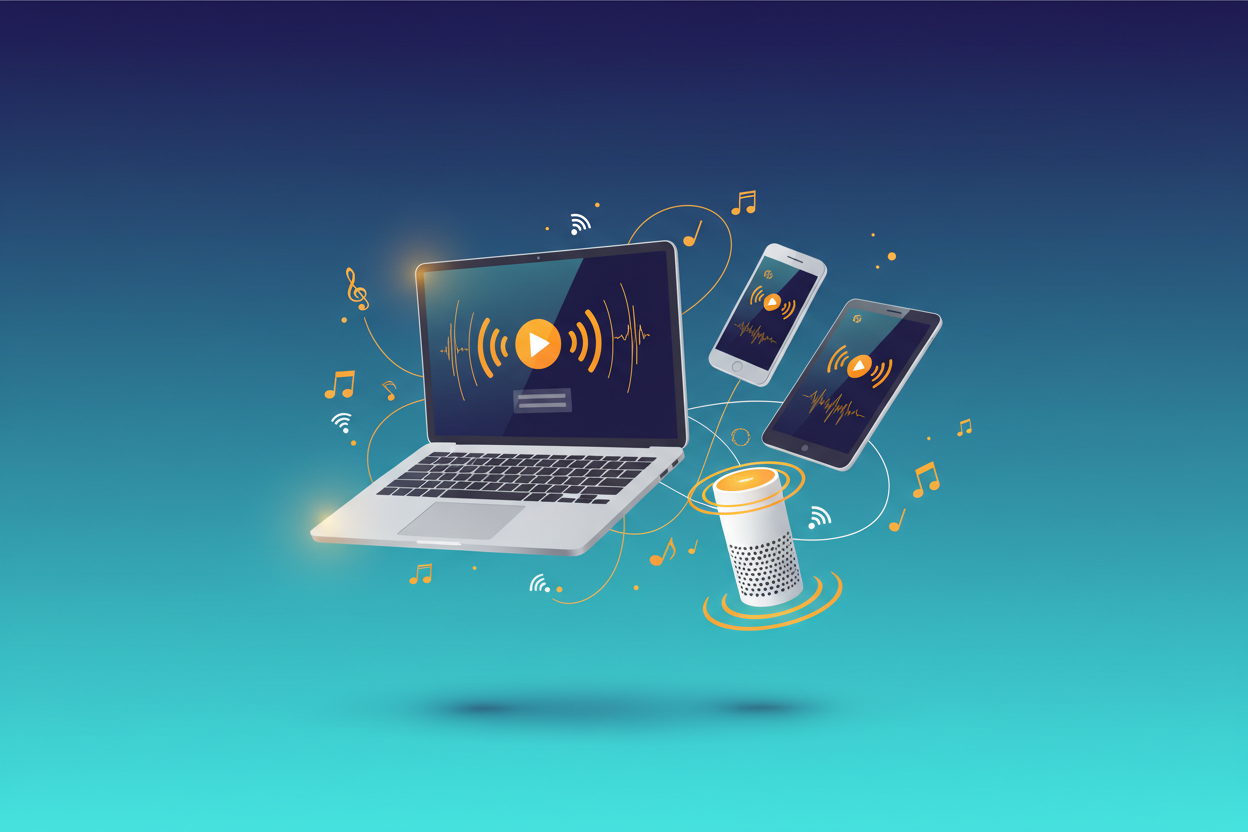
There’s something magical about tuning into your favorite Pittsburgh radio station, whether you’re stuck in traffic on the Parkway East or relaxing at home after a long day. But what happens when you’re away from your car radio or don’t have access to a traditional radio? The good news is that you can easily access free PGH radio streams on virtually any device you own. In this comprehensive guide, I’ll walk you through everything you need to know about streaming Pittsburgh radio stations for free, no matter where you are or what device you’re using.
Pittsburgh’s radio landscape is incredibly diverse, offering everything from sports talk and news to classic rock and contemporary hits. The Steel City’s radio stations have embraced digital streaming, making it easier than ever to stay connected to your local community and favorite shows. Whether you’re a longtime Pittsburgher living elsewhere or a newcomer wanting to dive into the local culture, streaming PGH radio is your gateway to the heart of the city.

Understanding PGH Radio Streaming Basics
Before diving into the specifics of accessing streams, it’s important to understand what makes Pittsburgh radio streaming unique. Most major Pittsburgh radio stations offer free online streaming as part of their digital strategy to reach listeners beyond traditional broadcast ranges. These streams typically mirror their over-the-air content, meaning you’ll get the same DJs, commercials, and programming you’d hear on a regular radio.
The quality of these streams has improved dramatically over the years. Most stations now offer high-quality audio that rivals traditional FM reception, and many provide additional features like song identification, playlist history, and even exclusive online content. The best part? It’s completely free, supported by the same advertising model that funds traditional radio broadcasting.
Some stations also offer multiple stream options, including HD radio streams that provide even better audio quality. These premium streams might require a more stable internet connection but deliver crystal-clear sound that enhances your listening experience significantly.
Streaming on Desktop and Laptop Computers
Your computer is probably the easiest place to start streaming PGH radio. Most Pittsburgh radio stations have made their streams readily accessible through their websites. Simply navigate to your favorite station’s homepage and look for a “Listen Live” button, which is typically prominently displayed.

For the best experience on your computer, I recommend using a modern web browser like Chrome, Firefox, or Safari. These browsers handle audio streams efficiently and often provide better stability than older alternatives. Many stations use HTML5 audio players, which work seamlessly across different browsers without requiring additional plugins.
If you prefer a more dedicated listening experience, consider using media players like VLC Media Player or Windows Media Player. These applications can often handle radio stream URLs directly, allowing you to bookmark your favorite stations and access them quickly. VLC, in particular, is excellent for this purpose because it supports virtually every audio format and provides robust streaming capabilities.
Some radio enthusiasts prefer using dedicated radio streaming software or browser extensions that aggregate multiple stations in one interface. These tools can be particularly useful if you like to switch between different Pittsburgh stations throughout the day.
Mobile Device Access: iOS and Android Solutions
Mobile devices have revolutionized how we consume radio content, and Pittsburgh stations have adapted beautifully to this shift. Most major PGH radio stations offer dedicated mobile apps for both iOS and Android devices. These apps often provide features beyond basic streaming, including alarm clock functionality, social media integration, and exclusive mobile content.
For iPhone users, the App Store hosts numerous Pittsburgh radio apps. Many stations have invested heavily in their mobile presence, creating apps that are intuitive and feature-rich. These apps typically allow you to stream live broadcasts, access podcast content, and even interact with DJs and other listeners through integrated chat features.
Android users have similar options, with Google Play Store offering a wide selection of Pittsburgh radio apps. The Android platform’s flexibility often means these apps can integrate more deeply with your device’s functionality, such as displaying currently playing songs on your lock screen or in your notification panel.
If you prefer not to download individual station apps, consider using general radio streaming apps like TuneIn Radio, iHeartRadio, or Radio.com. These platforms aggregate streams from multiple stations, including many Pittsburgh broadcasters, in a single, user-friendly interface.
Smart TV and Streaming Device Options
The living room has become a new frontier for radio streaming, and Pittsburgh stations are increasingly available on smart TVs and streaming devices. If you own a smart TV, check your TV’s app store for radio streaming applications. Many modern smart TVs come pre-installed with apps like TuneIn or iHeartRadio that include Pittsburgh stations.
Roku users have particularly good options for PGH radio streaming. The Roku Channel Store includes several radio apps that feature Pittsburgh stations. TuneIn Radio for Roku is especially popular because it provides access to thousands of stations worldwide, including comprehensive coverage of Pittsburgh’s radio landscape.
Apple TV users can access Pittsburgh radio through the TuneIn app or by using AirPlay to stream from their iPhone or iPad. This approach gives you the flexibility to control your listening experience from your mobile device while enjoying high-quality audio through your television’s sound system.
Amazon Fire TV devices also support radio streaming through various apps. The Fire TV’s voice control capabilities make it particularly convenient for changing stations or adjusting volume without reaching for a remote.
Voice Assistant Integration
Voice assistants have made accessing PGH radio streams incredibly convenient. Amazon Alexa, Google Assistant, and Apple’s Siri can all help you tune into Pittsburgh radio stations with simple voice commands. This hands-free approach is perfect for busy mornings or when you’re cooking and can’t easily reach your phone or computer.
To use Alexa for Pittsburgh radio, you might say something like “Alexa, play KDKA radio” or “Alexa, tune in to 93.7 The Fan.” Most major Pittsburgh stations are integrated with Alexa’s TuneIn skill, making them easily accessible through voice commands.
Google Assistant works similarly, responding to commands like “Hey Google, play WPGB radio” or “Hey Google, stream 96.1 Kiss.” The integration with Google’s ecosystem means you can also cast these streams to Google Home devices or Chromecast-enabled speakers throughout your home.
Apple’s Siri can access Pittsburgh radio through various apps, though the experience might require you to specify which app you want to use. For example, you might say “Hey Siri, play WDVE on TuneIn” to get more predictable results.
Gaming Console Streaming Methods
Gaming consoles offer another avenue for accessing PGH radio streams, though this method requires a bit more creativity. PlayStation and Xbox consoles both have web browsers that can access radio station websites directly. While not the most elegant solution, it works well if your gaming console is your primary entertainment device.
Some gaming consoles also support media streaming apps that include radio functionality. The Xbox One, for example, supports the TuneIn app, which provides access to Pittsburgh radio stations. PlayStation users might need to rely more heavily on web browser access or streaming from connected devices.
For the best gaming console radio experience, consider using your console’s ability to run background audio while gaming. This feature lets you listen to your favorite Pittsburgh sports talk show while playing games, creating a uniquely immersive local experience.
Troubleshooting Common Streaming Issues
Even with today’s robust streaming technology, you might occasionally encounter issues when accessing PGH radio streams. The most common problem is buffering or intermittent playback, usually caused by internet connectivity issues. If you’re experiencing frequent buffering, try closing other bandwidth-intensive applications or moving closer to your Wi-Fi router.
Audio quality problems can often be resolved by checking your device’s audio settings or trying a different streaming method. Some stations offer multiple stream quality options, so switching to a lower bitrate stream might provide more stable playback if you have a slower internet connection.
If a particular station’s stream isn’t working, try accessing it through a different platform. For example, if the station’s website isn’t streaming properly, try their mobile app or a third-party service like TuneIn Radio. Station technical issues are usually temporary and resolve themselves within a few hours.
Geographic restrictions can sometimes affect stream access, particularly if you’re trying to listen from outside the United States. While most Pittsburgh radio streams are available globally, some content restrictions might apply to certain programming or during specific events.
Maximizing Your PGH Radio Streaming Experience
To get the most out of your Pittsburgh radio streaming experience, consider exploring the additional features many stations offer. Many PGH radio stations provide podcast versions of popular shows, allowing you to catch up on content you might have missed during live broadcasts.
Social media integration has become a significant part of the radio experience. Many Pittsburgh stations encourage listener interaction through Twitter, Facebook, and Instagram. Following your favorite stations on social media can enhance your listening experience by providing behind-the-scenes content and opportunities to participate in contests or discussions.
Some stations offer exclusive online content that isn’t available on their traditional broadcasts. This might include extended interviews, additional music sets, or special programming designed specifically for their streaming audience.
Consider setting up multiple streaming options so you always have backup methods available. Having the TuneIn app on your phone, bookmarked station websites on your computer, and voice assistant integration gives you flexibility and ensures you’re never without access to your favorite Pittsburgh radio content.
Conclusion
Accessing free PGH radio streams on any device has never been easier or more convenient. Whether you’re using a smartphone, computer, smart TV, or voice assistant, Pittsburgh’s radio stations have embraced digital streaming to ensure you can stay connected to the Steel City’s vibrant audio landscape from anywhere in the world.
The key to a great streaming experience is understanding your options and choosing the methods that work best for your lifestyle and devices. Don’t be afraid to experiment with different apps, platforms, and streaming methods until you find the combination that gives you the most reliable and enjoyable access to your favorite Pittsburgh radio content.
Remember that technology is constantly evolving, and new streaming options for PGH radio are regularly becoming available. Stay curious, explore new platforms as they emerge, and don’t hesitate to reach out to your favorite stations directly if you need help accessing their streams. Most Pittsburgh radio stations are eager to help listeners connect with their content and will provide technical support when needed.
Frequently Asked Questions
Q: Do I need to pay for streaming PGH radio stations?
A: No, most Pittsburgh radio stations offer free streaming supported by advertising, just like traditional radio broadcasts. Some premium services might offer ad-free options for a fee, but basic streaming is typically free.
Q: Can I listen to PGH radio streams outside of Pittsburgh?
A: Yes, most Pittsburgh radio streams are available globally. However, some content might be restricted due to licensing agreements, particularly certain music or syndicated programming.
Q: Why does my stream keep buffering or cutting out?
A: Buffering issues are usually related to internet connection speed or stability. Try closing other applications using bandwidth, moving closer to your Wi-Fi router, or switching to a lower quality stream if available.
Q: Are mobile apps better than web browser streaming?
A: Mobile apps often provide a better user experience with additional features like push notifications, social integration, and optimized audio quality. However, web browser streaming works well for occasional listening.
Q: Can I record PGH radio streams for later listening?
A: Recording radio streams may violate copyright laws and station terms of service. Many stations offer podcast versions of their shows, which is a legal alternative for time-shifted listening.
Q: What internet speed do I need for smooth radio streaming?
A: Most radio streams work well with internet speeds as low as 128 kbps, though higher quality streams might require 256 kbps or more. A stable connection is more important than raw speed for radio streaming.
LIVE PITTSBURGH RADIO
BOOKMARK RadioPGH!!